Download the jlibd app — the best gaming experience on Android and iOS is now in your pocket
Download the official jlibd app and enjoy thousands of games anytime, anywhere. Fast loading, easy interface, and secure login — all in one app.

Download the official jlibd app and enjoy thousands of games anytime, anywhere. Fast loading, easy interface, and secure login — all in one app.
Android, iOS, or directly in your browser — jlibd runs smoothly on all devices
Download the jlibd Android app directly as an APK file. You can install it without Google Play Store, making it easy to get from anywhere in Bangladesh.
IPhone and iPad users can install the jlibd app directly. The app is designed while maintaining Apple's security standards.
Enjoy the full benefits of jlibd without downloading the app. Log in directly to the website on any modern browser and start playing.
Get jlibd running on your phone in just five easy steps
First, create a free account on the jlibd website. The process takes just a few minutes.
From the download page, tap the Android APK link. Your browser will start downloading.
Go to Settings › Security › Unknown Sources and enable it. You only need to do this once.
Open the downloaded APK file and tap the Install button. It takes just a few seconds.
Open the app, log in to your account, and start your favorite game.

Installing the jlibd app on iPhone or iPad is simple. From the jlibd download page, tap the iOS link. A install prompt will appear in Safari — confirm it. The app will be added to your home screen and works just like any other app.
IOS users can play jlibd directly in their mobile browser. Whether you use Safari or Chrome, the full game lobby works beautifully. No extra plugins or permissions needed.
Log in quickly and securely on iOS using biometric authentication.
New promotions, bonus offers, and important updates come directly to your screen.
The app updates automatically, so you always get the latest features.
The jlibd app isn't just for gaming — it's the hub of your complete gaming account. From login to deposit, choosing games to withdrawal requests, everything is in one place.
The app runs significantly faster than the browser because it uses the device's native performance. Game load times are reduced, animations are smoother, and Live Casino streaming is much more stable.
With app login, there's no need to enter your password every time. Log in once, then use your fingerprint or Face ID to get in. Your account security is fully maintained.
Every new promotion or bonus offer triggers an app notification, so you never miss an opportunity. No need to check the website repeatedly.
As a native app, games load in just 1-2 seconds, faster than a browser.
Recharge your account instantly using saved payment methods.
For comfortable night gaming, dark theme activates automatically.
The app delivers optimized performance even on low bandwidth, smooth even on slow connections.

Comparison between jlibd app and browser version
| Features | Android App | iOS App | Browser |
|---|---|---|---|
| Game loading speed | Fastest | Fastest | Normal |
| Push notifications | |||
| Biometric login | |||
| Installation required | Yes (48 MB) | Yes (52 MB) | No |
| Live stream stability | Maximum | Maximum | Good |
| Battery usage | Optimized | Optimized | Higher |
| All games access | |||
| Dark mode |
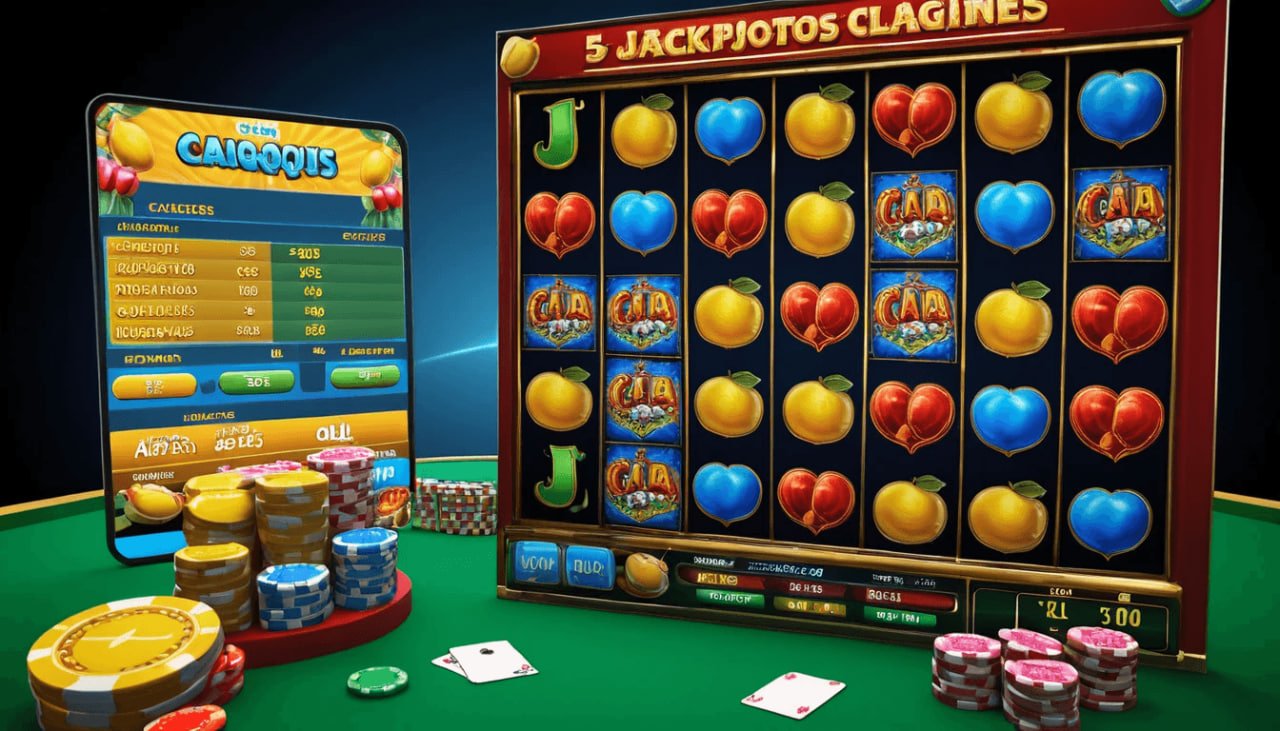
After downloading the jlibd app, you gain access to the entire game ecosystem. From Slots to Live Casino, Sports Betting to e-sports — everything is available in one app.
The app home screen shows popular games, current promotions, and recent big wins. Use the bottom navigation bar to quickly access the game lobby, deposits, promotions, and account settings.
In the Live Casino section, watch Baccarat, Roulette, and Blackjack tables in real-time. Evolution Gaming and Pragmatic Play Live tables are specially optimized on the app, so video streams rarely buffer.
In the Sports Betting section, live scores and odds for Cricket, Football, and e-Sports update directly in the app. Place bets even during matches, great for in-play bettors.
Account management is also much easier in the app. Transaction history, game history, bonus wallet, and personal information editing are all in one place. You can also connect to customer support via live chat from within the app.
Your information and transactions are completely secure in the jlibd app
All data transmission is encrypted with 256-bit SSL. No third party can see your information.
With 2FA enabled, no one can access your account even if they know your password.
Your personal information is never shared with third parties. Complete privacy is guaranteed.
All deposits and withdrawals are securely processed through payment gateways.
Frequently asked questions about downloading the jlibd app
Sign up, get a welcome bonus, and enjoy the best gaming experience on mobile.